
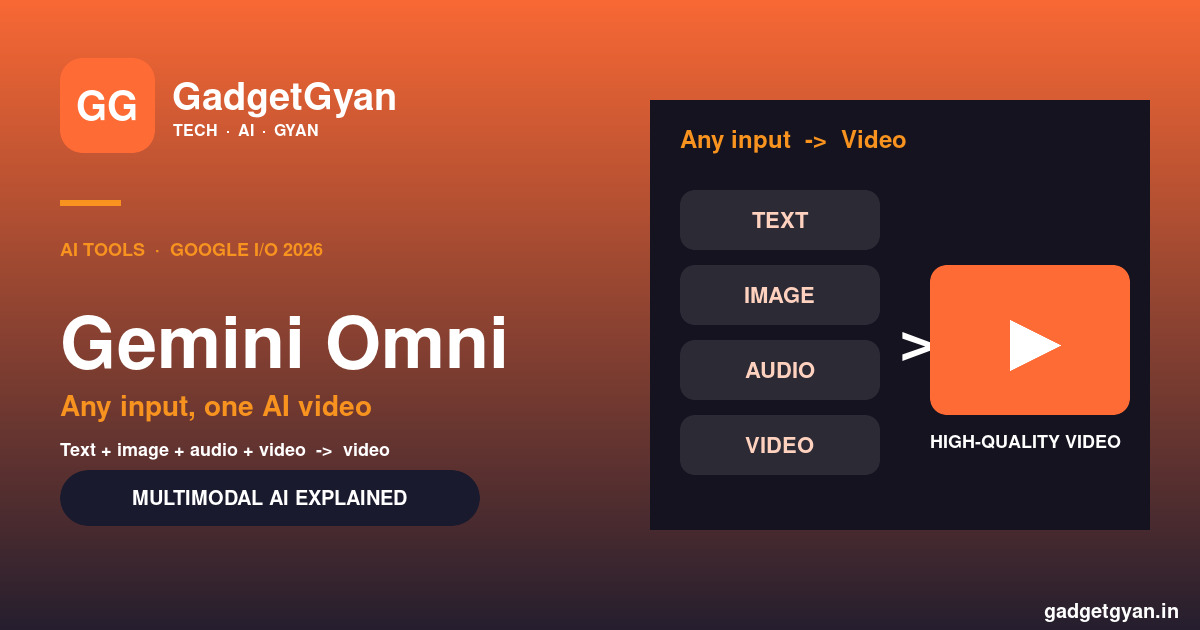
Gemini Omni is Google’s boldest AI model yet — a native multimodal system that can take almost any input (text, images, audio, even video) and turn it into a polished video. Unveiled at Google I/O 2026, Omni doesn’t just stitch media together; it actually reasons across everything you give it to generate something new. If Gemini was your AI assistant, Omni is your AI creative studio. Here’s what it does, how it works, and how Indians can try it.
Gemini Omni in 30 seconds
🎬 What: Google’s native “any-to-any” multimodal AI (I/O 2026)
🧩 Inputs: Text + images + audio + video, combined
📹 Output: High-quality video, grounded in real-world knowledge
🗣️ Editing: Change a video just by describing it
📲 Where: Gemini app, Google Flow & YouTube Shorts (Omni Flash)
What is Gemini Omni?
Omni is a new family of multimodal AI models that Google announced at Google I/O 2026. Its tagline is simple but huge: “create anything from any input,” with video as the first focus. You can feed it text, photos, audio clips and video together, and it generates a brand-new video that makes sense.
The key word is native. Older AI handled text, images and audio as separate skills bolted onto one model. Omni was built to understand all of these together from the ground up, so it reasons across them rather than just gluing them side by side. It launched alongside the Gemini 3.5 model and the Gemini Spark AI agent at I/O 2026.
What Gemini Omni can do
Mix inputs, get video
Combine images, audio, video and text in one prompt and get a high-quality video grounded in Gemini’s real-world knowledge of physics, culture, history and science — not just a random mashup.
Edit a video by talking to it
Upload an existing clip and change it with plain language: swap the background, change the style, alter the scene, move the camera angle, add sound effects tied to on-screen events, or replace characters and objects.
Star in your own AI videos
Omni lets you create videos featuring your own digital avatar — useful for creators, explainers and social clips without filming.
A fast version for everyday use
Omni Flash is the quicker, lighter variant rolling out inside the Gemini app, Google Flow and YouTube Shorts, with full API access coming in the weeks after launch.
How Gemini Omni is different from older AI models
| Aspect | Older AI models | Gemini Omni |
|---|---|---|
| Modalities | Bolted-on, separate | Native, unified |
| Inputs | Usually one or two | Text + image + audio + video |
| Main output | Text or images | High-quality video |
| Editing | Manual / limited | Conversational (just describe it) |
| Grounding | Often inconsistent | Real-world physics & context |
Gemini Omni availability & how to try it in India
Google is rolling out Omni Flash inside the Gemini app, Google Flow and YouTube Shorts, with the full model coming to developers via API in the following weeks. If you already use the Gemini app in India, the Omni-powered video features should appear there as the rollout reaches your account.
Heavier usage and the most advanced capabilities are tied to Google’s paid tiers — see our guide to the Google AI Ultra plan in India. Prefer an Indian-built option? Read our take on Sarvam Indus AI.
Safety & the SynthID watermark
Every video made with Omni carries an invisible SynthID digital watermark, and you can check whether a clip was AI-generated through the Gemini app, Gemini in Chrome and Google Search. As AI video gets more realistic, this kind of provenance tagging is important for spotting deepfakes and keeping trust online.
Gemini Omni FAQs
What is Gemini Omni in simple words?
Omni is Google’s AI model that turns any mix of text, images, audio and video into a new, high-quality video — and lets you edit that video just by describing the changes you want.
Is Gemini Omni free?
A fast version, Omni Flash, is rolling out in the Gemini app, Google Flow and YouTube Shorts. Heavier or more advanced use is tied to Google’s paid AI tiers like Google AI Ultra.
How is Gemini Omni different from Veo or older image models?
Omni is natively multimodal — it understands text, images, audio and video together and reasons across them, rather than handling each as a separate, bolted-on skill, with video as its primary output.
Can I edit my own videos with Gemini Omni?
Yes. You can upload a video and change the background, style, scene, camera angle, sound effects or even swap characters and objects using natural-language instructions.
Is Gemini Omni available in India?
Omni Flash is rolling out through the Gemini app, Google Flow and YouTube Shorts, so Indian users should see the video features appear as the rollout reaches their accounts, with API access coming for developers.
How do I know if a video was made with Gemini Omni?
Every Omni video includes an invisible SynthID watermark. You can verify it through the Gemini app, Gemini in Chrome and Google Search.
2 thoughts on “Gemini Omni Explained: Google’s Powerful Any-to-Any AI Video Model”